


 Fleet Management
 Route optimization
 Shuttle Transportation
 Delivery Management
 School Bus Transportation
 Ride Sharing Management
 Airport Transfer Booking
  Vehicle inspection
 Car Rental Management
 Trucking & Logistics
 Food & Beverage
 E-Commerce
 Passenger Transit
 Delivery
 School & Corporate
How to Migrate to the Best Fleet Management Software Without Disrupting Dispatch Operations
Migrating to the best fleet management software without disrupting dispatch means moving your data, drivers, and workflows onto a new platform in planned phases — so trips keep flowing while you switch. The goal isn’t just to adopt better software; it’s to get there without a single missed booking, stranded passenger, or idle driver along the way.
How do you switch dispatch software without downtime? By treating migration as a staged process rather than a single flip of a switch — auditing your data, running the old and new systems in parallel, piloting with a small group, and cutting over during off-peak hours with a rollback plan ready. Done this way, fleet software migration is far less risky than most operators fear.
Quick answer: To migrate fleet management software without disrupting dispatch, plan in phases: audit and export your data, configure and integrate the new platform, pilot it alongside your live system, train dispatchers and drivers, then cut over gradually during low-demand windows — keeping the old system available as a fallback until the new one is proven.
This guide walks through how to choose the right platform and execute a fleet management software migration that keeps your dispatch operation running the entire time.
Why Best Fleet Management Software Migration Feels Risky
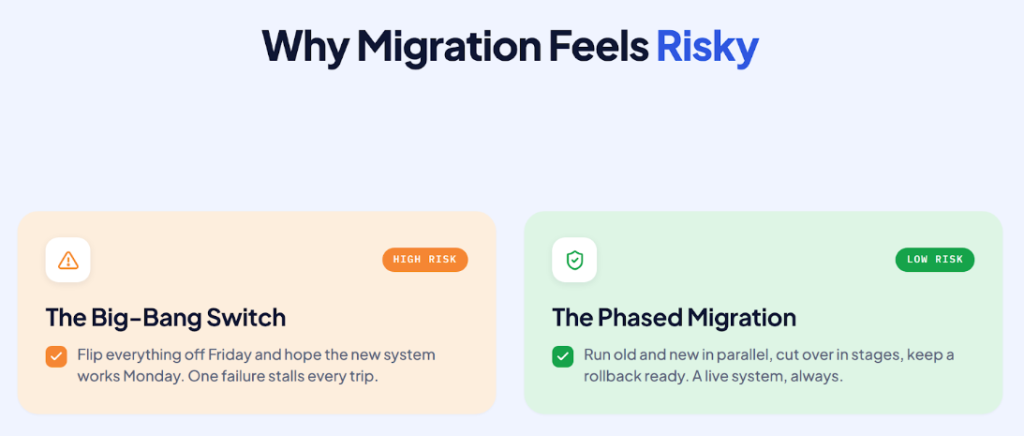
Dispatch is a real-time, always-on operation. Every minute, vehicles are being assigned, passengers are waiting, and drivers are relying on the system to tell them where to go. That’s exactly why the idea of changing the software underneath it all feels daunting: the fear is that something breaks mid-shift and the whole operation grinds to a halt.
But that fear usually comes from imagining a “big-bang” switch — turning off the old system on Friday and hoping the new one works on Monday. That approach is genuinely risky. A planned, phased migration is not. When you export your data cleanly, validate it in the new system, run both platforms side by side, and cut over in controlled stages, there’s always a working system handling live trips. The disruption people dread comes from poor planning, not from migration itself.
Before You Migrate: Choosing the Best Fleet Management Software
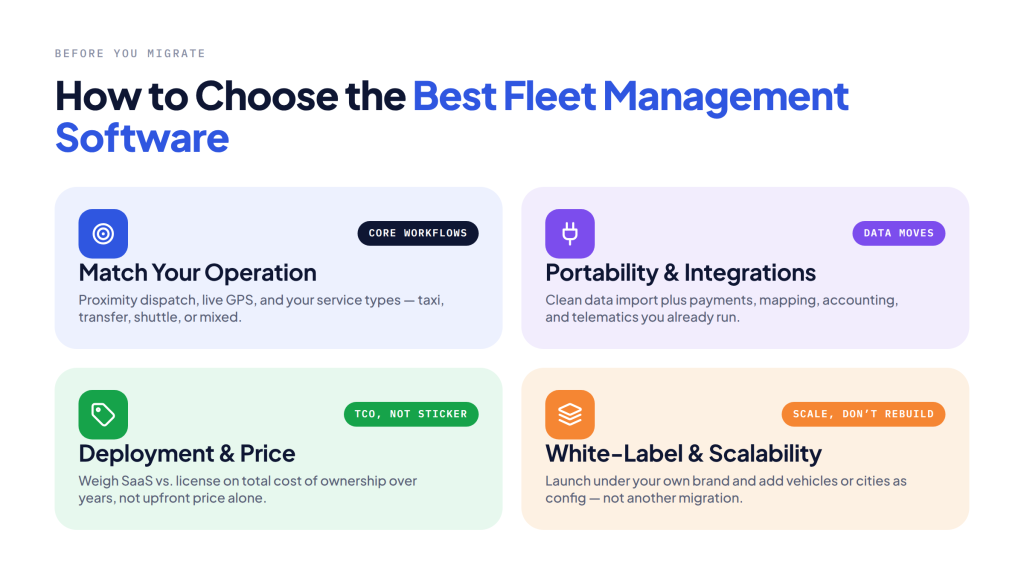
The smoothest migration starts with picking the right destination. The best fleet management software for your operation is the one that fits how you actually dispatch — not just the one with the longest feature list.
Match the platform to your operation
Start with your core workflows. A strong fleet dispatch software should handle automated, proximity-based assignment, real-time GPS tracking, and the specific service types you run — taxi, airport transfer, shuttle, or mixed. Look closely at the fleet driver management software layer too: driver profiles, document handling, availability, and performance analytics all need to map cleanly to how your drivers work today, or onboarding will stall.
Prioritize data portability and integrations
The single biggest migration headache is data that won’t move. Before committing, confirm how the new platform imports your fleet, driver, and customer records, and whether it connects to the tools you already use — payment gateways, mapping, accounting, and telematics. A platform with a broad integration library reduces how much you have to rebuild, which directly shortens the migration and lowers its risk.
Weigh the deployment model and price
Fleet management software price isn’t just a number — it’s a model. Subscription (SaaS) plans keep upfront cost low and scale with your fleet; license-based or enterprise builds involve a larger upfront investment but give you ownership and deeper customization. The right choice depends on your size, growth plans, and how much you value control versus low initial outlay. Rather than comparing sticker prices, weigh total cost of ownership over a few years, and check the vendor’s pricing page for current plans.
Consider white-label and scalability
If brand ownership matters, white label taxi software lets you launch rider and driver apps under your own name and identity while the vendor maintains the underlying technology. Whatever you choose, confirm it scales — adding vehicles, cities, or service lines should be a configuration change, not another migration down the road.
How to Switch Best Fleet Management Software Without Downtime
Here’s the phased approach that lets you switch dispatch software while dispatch keeps running.
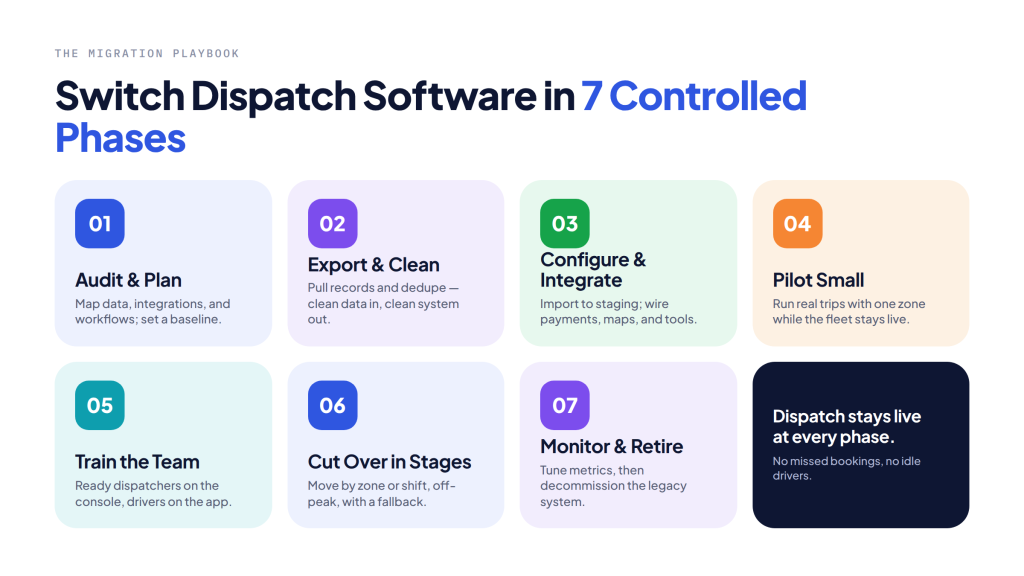
Phase 1 — Audit and plan
Map everything the migration touches: your data (vehicles, drivers, customers, trip history), your active integrations, and your day-to-day dispatch workflows. Document what “normal” looks like so you have a baseline to test against. Set a realistic timeline and assign an internal owner for the migration.
Phase 2 — Export and clean your data
Export your fleet, driver, and customer data from the current system, then clean it — deduplicate records, fix formatting, and remove stale entries. Migration is the best moment you’ll ever have to fix messy data, because you’re touching all of it anyway. Clean data in equals a clean system out.
Phase 3 — Configure and integrate the new platform
Set up the new platform in a staging environment: import your cleaned data, configure your workflows and pricing rules, and connect your integrations. Validate that records came across correctly and that payments, mapping, and other connected tools all fire as expected — before any live trip depends on them.
Phase 4 — Pilot with a small group
Don’t roll out to the whole fleet at once. Select a small group of drivers or a single zone and run real trips on the new system while the rest of the fleet stays on the old one. A pilot surfaces the real-world issues that staging never will, at a scale where you can fix them without operational impact.
Phase 5 — Train dispatchers and drivers
The software can be perfect and the migration can still fail if people don’t know how to use it. Train dispatchers on the new console and drivers on the new app before cutover. Good fleet driver management software makes this easier with intuitive apps and simple onboarding, but structured training and clear documentation still matter.
Phase 6 — Cut over in stages
Move the rest of the fleet across in controlled waves — by zone, shift, or driver group — rather than all at once. Schedule each cutover during low-demand windows so that if anything needs attention, few trips are affected. Keep the old system available as a fallback until the new one has proven itself under full load.
Phase 7 — Monitor, optimize, and decommission
After full cutover, watch your baseline metrics — assignment speed, ETAs, utilization, dispatcher workload — and tune the configuration. Only once the new platform is clearly stable and outperforming the old one do you decommission the legacy system.
Keeping Dispatch Live During the Switch
A few principles keep trips flowing throughout a dispatch software migration. Run in parallel wherever possible, so there’s always a live system handling bookings. Cut over off-peak, never during your busiest hours. Keep a rollback plan — the ability to revert quickly is what turns a scary switch into a safe one. And over-communicate with drivers and dispatchers about what’s changing and when, so nobody is caught off guard mid-shift. These habits are what separate a smooth fleet software migration from a disruptive one.
How AllRide Supports a Low-Disruption Migration
AllRide Cab is built to get taxi and fleet operators onto a modern, AI-powered platform quickly and with minimal operational drag. Here’s how its design supports a low-disruption switch.
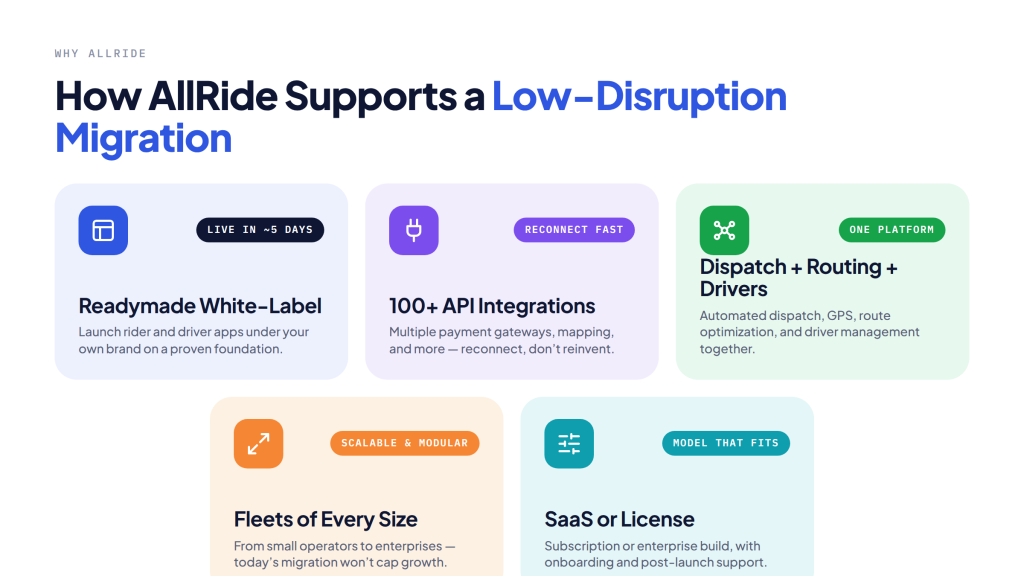
A readymade, white-label platform.
AllRide Cab is a customizable, white-label taxi software solution — you launch rider and driver apps under your own brand on a proven, pre-built foundation, rather than building or rebuilding from scratch. Ready-made solutions can go live in roughly five days, shortening the window between decision and cutover.
Broad integrations to reduce rebuild.
With 100+ API integrations and support for multiple payment gateways, AllRide lets you reconnect the tools you already rely on — payments, mapping, and more — so migration means reconnecting, not reinventing.
Dispatch, routing, and driver management in one place.
AllRide combines automated proximity-based dispatch, real-time GPS tracking, route and fleet optimization software, and driver management (profiles, availability, and performance) in a single dispatch fleet management software platform — so your core workflows land on one system rather than several.
Built for fleets of every size.
AllRide’s solutions are scalable and modular, working for small operators who need route optimization software for small business as much as for enterprises — so a migration today doesn’t cap your growth tomorrow.
A model that fits, with support behind it.
AllRide is offered as both a subscription (SaaS) and a license-based enterprise/white-label build, with onboarding and post-launch support to help your team get productive. Pricing details are available on the AllRide Cab pricing page.
This is the platform behind AllRide’s 1,000+ transport and delivery businesses worldwide — including operators like Angola-based Tundavala Taxi and corporate transport provider Viapool — who moved onto modern, connected dispatch without losing operational momentum.
Frequently Asked Questions
- How do I migrate fleet management software without disrupting dispatch?
Migrate in phases: audit and export your data, configure and integrate the new platform in staging, pilot with a small group, train your team, then cut over in controlled waves during off-peak hours — keeping the old system as a fallback until the new one is proven. - What data needs to migrate when you switch dispatch software?
Typically your vehicle records, driver profiles and documents, customer accounts, active integrations, pricing rules, and trip history. Clean and validate each dataset before importing it into the new system. - How long does fleet software migration take?
It depends on fleet size, data complexity, and how much customization you need. Readymade platforms deploy far faster than custom builds, but the safe, phased rollout — pilot, train, staged cutover — is what protects dispatch, so plan for that rather than rushing a single switch. - How much does the best fleet management software cost?
Fleet management software price depends on the model (subscription vs. license), fleet size, integrations, and customization. Compare total cost of ownership over several years rather than upfront price alone, and check the vendor’s pricing page for current plans. - Is white-label taxi software a good option when migrating?
Yes, if brand ownership matters. White label taxi software lets you run rider and driver apps under your own identity on a maintained platform — combining a branded experience with the speed of a readymade solution.
The Bottom Line
Migrating to the best fleet management software doesn’t have to mean gambling with your dispatch operation. The risk lives in the “big-bang” switch — not in migration itself. Choose a platform that fits your workflows and moves your data cleanly, then execute in phases: export, configure, pilot, train, and cut over gradually with a fallback in place. Do that, and trips keep flowing the entire time while your operation lands on a faster, smarter system.
Ready to move to modern dispatch without the downtime? Book a Demo with AllRide today.